
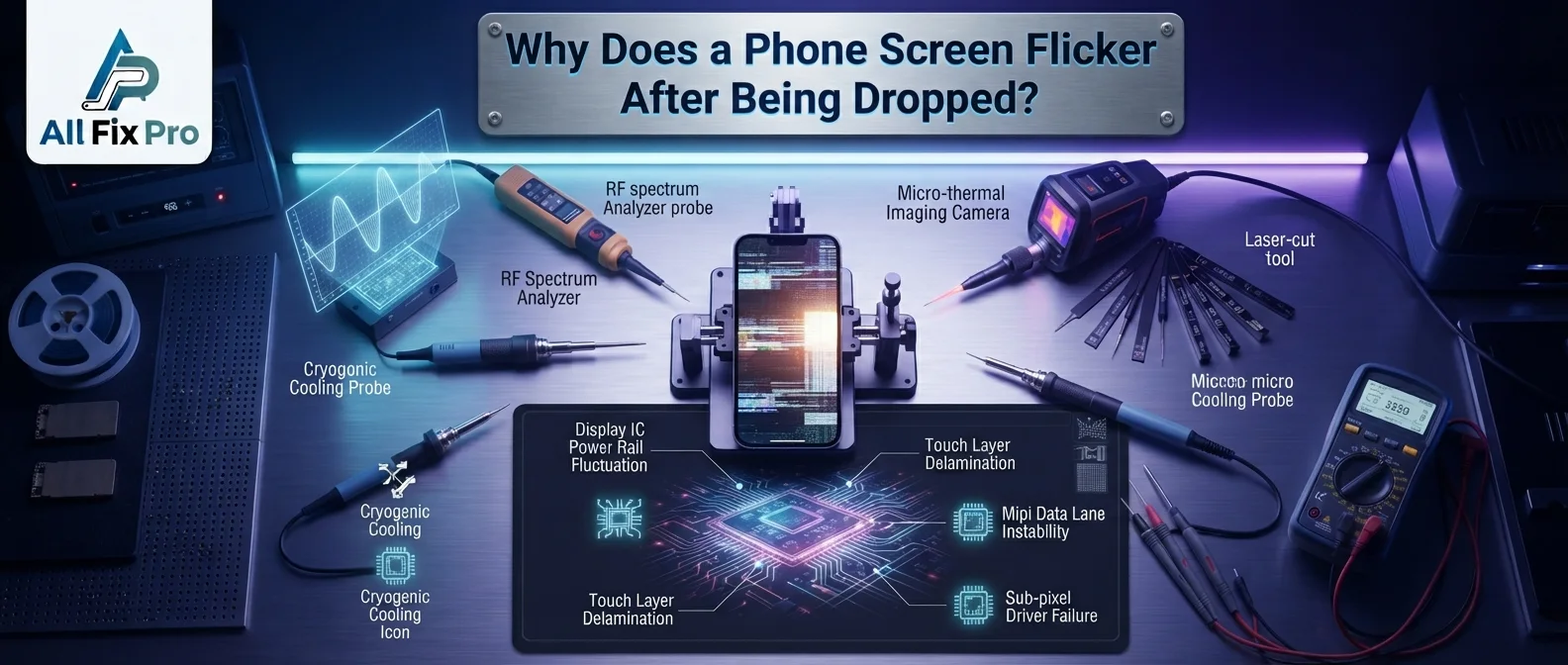
A phone can look perfectly normal after falling, but its display may start flickering minutes or even hours later. The screen might flash briefly, show changing brightness, or develop lines that appear and disappear. These symptoms can indicate damage beneath the glass, even when there are no visible cracks.
Phone screen flickering after drop is often connected to physical damage affecting the display panel, its internal connections, or other components around the screen. The severity depends on how the phone landed, how hard it hit the surface, and which internal parts were affected. Understanding the possible causes can help you decide what to do next and when to arrange a professional inspection.
What Happens to a Phone Display After an Impact?
A smartphone display contains several delicate layers and components. Although the outer glass provides some protection, the display underneath can still be affected by a strong impact.
When a phone lands on a corner or directly on its screen, the force can travel through the frame and reach internal components. This may affect the display panel or loosen a connection that helps the screen operate correctly.
Some damage appears immediately, while other symptoms develop gradually. For example, the display may work normally at first and begin flashing later. This is why a phone should not be considered undamaged simply because its glass remains intact.
If the display develops persistent problems, you can explore AlFixPro’s phone repair service to learn about available repair options.
Common Reasons a Phone Screen Starts Flickering After a Drop
There are several possible display flicker after impact causes. One common possibility is damage to the display panel itself. The impact may affect the pixels or internal display layers, resulting in flashing, unusual brightness, or lines across the screen.
Another possibility is a damaged or partially loosened display connection. A phone’s screen relies on internal connectors to communicate with the device’s other components. A strong fall can affect these connections, causing the display to behave inconsistently.
The frame can also play a role. If the phone bends or becomes distorted during the fall, pressure may be placed on the display assembly. This can cause additional problems even if the front glass does not break.
Other possible phone screen flashing causes include:
- Physical damage to the display panel.
- A loose or damaged display connection.
- Pressure on the screen from a bent frame.
- Internal damage near the display assembly.
- Damage that becomes more noticeable as the phone is handled.
These symptoms can look similar, so an inspection is needed to identify the actual cause.
What Do Vertical Lines and Changing Brightness Mean?
A vertical flicker phone display may show one or more lines running from the top to the bottom of the screen. These lines can be green, purple, white, or black. They may remain visible, appear temporarily, or change when the phone is moved.
Vertical lines after a fall can indicate damage to the display panel or its internal connections. If the lines become more noticeable over time, the display may have sustained physical damage that needs attention.
Another warning sign is phone screen intermittent brightness. The screen may suddenly become brighter, darker, or flash without any change in your surroundings. This can happen when the display assembly has been affected by the impact.
Pay attention to whether the flickering occurs across the entire screen or only in one area. Also notice whether the display has dark patches, unusual colors, or sections that stop responding to touch. These details can help a technician understand the problem.
For more information about unusual display lines, read AlFixPro’s guide to green, purple, or black lines on a phone screen.
Can a Loose Display Connection Cause Flickering?
Yes. A damaged or loose connection can cause display problems after a phone is dropped. The screen depends on an internal connection to receive the signals needed to display images correctly.
Possible display connector damage symptoms include:
- Flickering that comes and goes.
- A screen that briefly turns black.
- Unusual lines or visual interruptions.
- Display problems that change when the phone is handled.
- A screen that works inconsistently after an impact.
However, these symptoms do not automatically mean the connector is responsible. Damage to the display panel can produce similar signs.
Avoid pressing, twisting, or repeatedly bending the phone to test the screen. These actions may increase pressure on already damaged components. A technician can inspect the display assembly and connections to determine what needs attention.
What Should You Do If Your Phone Screen Flickers?
If your screen starts flickering after a fall, take a few sensible precautions. First, avoid unnecessary handling and do not press hard against the affected area. If the phone becomes unusually hot, develops a swollen body, or shows other signs of battery damage, stop using it and seek professional assistance.
If the display is still usable, back up important information when possible. Keep in mind that a damaged screen may become harder to use, so do not delay protecting important files.
Avoid attempting to open the phone or reconnect internal components yourself unless you have the appropriate repair experience and tools. Smartphone displays are delicate, and incorrect handling can cause further damage.
You can also review how to prepare your phone before a repair appointment before taking your device for inspection.
When Should You Get Professional Phone Screen Repair?
Professional inspection is worth considering when flickering continues, vertical lines appear, the screen turns black unexpectedly, or parts of the display stop responding to touch.
A technician can examine the display panel, internal connections, and surrounding components to identify the likely source of the problem. Depending on the findings, the repair may involve addressing a connection issue or replacing a damaged display assembly.
At AlFixPro in Stockton, California, technicians handle phone display and other hardware repairs. The appropriate repair and its cost depend on the phone model, the condition of the device, and the parts required. You can request an assessment before deciding whether to proceed.
Do not assume that every flickering screen needs the same repair. A proper inspection helps determine the cause rather than relying on symptoms alone.
Frequently Asked Questions
1. Why does my phone screen flicker after being dropped?
A drop can damage the display panel, affect an internal connection, or put pressure on the screen assembly. The exact cause depends on the impact and the phone’s condition.
2. Can a phone screen flicker without having cracks?
Yes. Internal display damage can occur even when the outer glass looks intact. Flickering, lines, dark patches, and unusual colors may indicate a problem beneath the glass.
3. Are vertical lines on a phone screen a sign of damage?
They can be. Vertical green, purple, white, or black lines after a fall may indicate damage to the display panel or its internal connections.
4. Can a loose display connection cause screen flashing?
Yes. A damaged or partially loosened connection may interrupt the display’s operation. However, a technician needs to inspect the phone to confirm the cause.
5. Will a flickering phone screen fix itself?
Do not rely on it resolving on its own. Flickering that starts after physical impact may be caused by internal damage and should be checked if it continues.
6. Is it safe to keep using a phone with a flickering screen?
Continued use may become difficult if the display worsens. Avoid pressing or bending the device, and seek assistance if the screen becomes unreliable or the phone shows other signs of damage.
7. Does a flickering screen always need replacement?
No. The required repair depends on the cause. Some problems involve an internal connection, while physical damage to the display panel may require screen replacement.
8. How can a technician identify the cause of screen flickering?
A technician can inspect the display, frame, and internal connections for signs of impact damage. The findings help determine the appropriate repair option.