
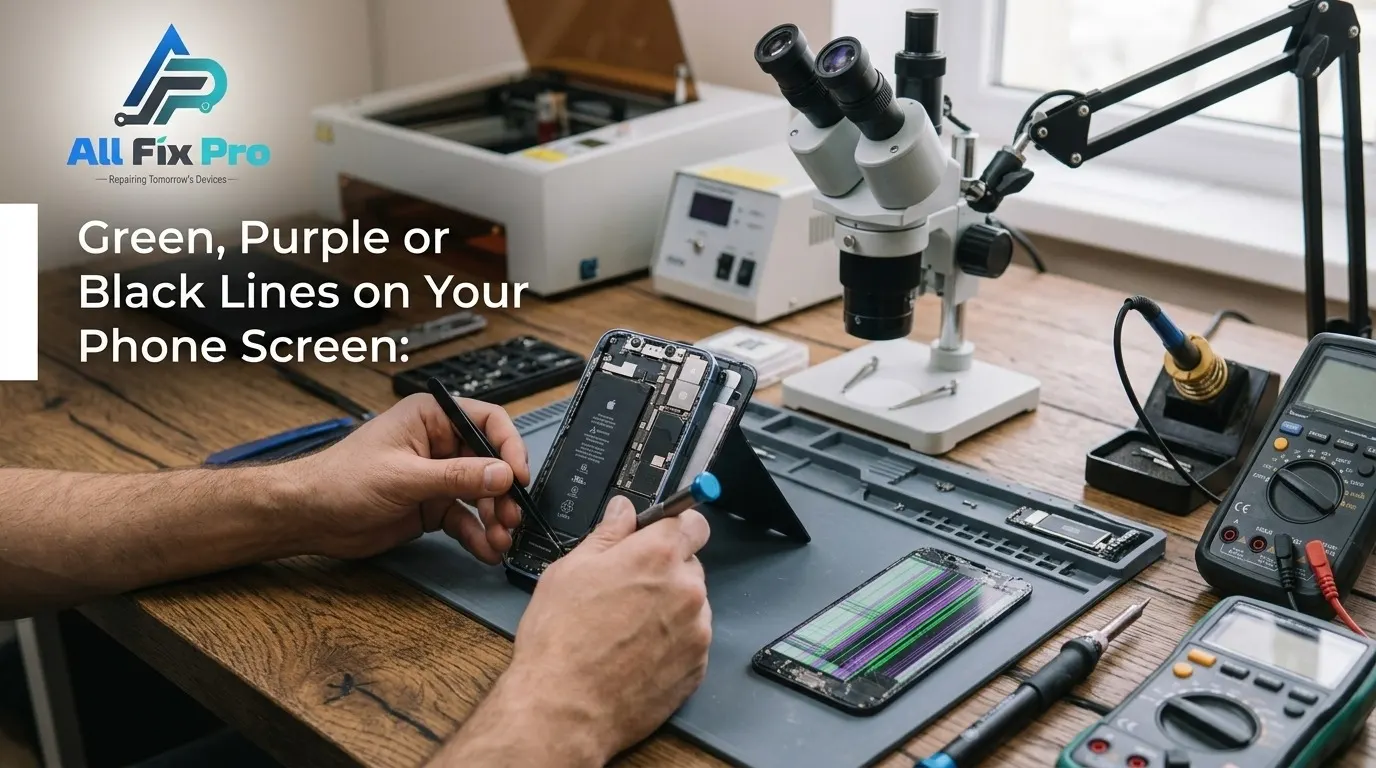
One morning, a thin colored stripe appears across your display. Sometimes it follows a drop, sometimes it shows up from nowhere. Lines on Phone Screen look alike, but their causes differ, and knowing which one you have saves time and money.
Lines on Phone Screen: Start With a Quick Test
Take a screenshot and look at it. If the lines don’t appear in the image, the display hardware is the problem. If they do appear, software or an app is more likely. Restart the phone too, and try safe mode on Android. This two-minute check separates fixable glitches from physical damage.
Green Line on Phone Screen
A green line on phone screen is common on OLED panels. It usually points to failing display layers or a damaged connection, often after a drop, pressure on the panel, heat or age. It can start thin and widen. A software reset rarely fixes it because the fault sits in the screen itself.
Horizontal Lines on Phone Screen
Horizontal lines on phone screen are often tied to the display driver or flex cable. Impact, bending or moisture can disturb the signal. If the lines flicker or change when you press near a corner, a loose or damaged connection is likely.
Vertical Lines on Phone Screen
Vertical lines on phone screen usually signal damaged pixel columns or a faulty panel. They tend to be solid and consistent in color, and they often spread over time.
What Purple Lines Mean
Purple lines normally mean internal OLED damage from impact, heat or liquid. Once they appear, they usually grow. If your phone also got wet, follow our dropped phone in water guide first.
Why Black Lines or Patches Appear
Black lines or patches often indicate leaking OLED material, sometimes called ink bleed, or serious pressure damage. They rarely recover and tend to expand.
Phone Screen Lines After Drop
Even without a visible crack, internal layers can break. Lines may appear straight away or days later as stress spreads. A drop that bends the frame can also damage the display connector, which is why a technician should inspect the whole phone.
Phone Display Discoloration and Phone Screen Flickering Problem
Pink or green tints and flickering often come before lines. A Phone Screen Flickering Problem can be a software glitch, a brightness setting or a failing panel. If flicker arrives with color shifts, treat it as an early warning. More tips are in our phone troubleshooting articles.
How to Fix Lines on Phone Screen
- Restart the phone and install pending software updates
- Take a screenshot, or test in safe mode on Android
- Remove tight cases that press on the display
- Back up your data in case the lines spread
- Book a repair if the lines persist
When Phone Screen Repair Is the Answer
Choose phone screen repair when lines persist after a restart and update, don’t appear in screenshots, spread, or follow a drop. The motherboard is rarely the cause, and a technician can confirm by testing a known-good display. Wondering if the phone is worth fixing? Read repair or replace phone and DIY screen repair vs professional repair, then book your repair.
Frequently Asked Questions
What causes green lines on a phone screen?
Usually physical damage to an OLED panel or its connection from drops, pressure, heat or age. Check a screenshot to rule out software.
What do purple lines on a phone screen mean?
Typically internal OLED failure after impact, heat or liquid exposure. Purple lines tend to spread, so plan a replacement.
Why are there black lines or patches on my screen?
They usually mean leaking OLED material or pressure damage. They rarely recover and often grow.
Can lines on a phone screen go away on their own?
Only if a software glitch or loose connection caused them. Hardware lines almost never disappear permanently and usually worsen.
Can a software update cause lines on the screen?
Rarely. An update can cause temporary glitches, which show up in screenshots. Lines missing from screenshots point to hardware.
Does a restart or factory reset fix screen lines?
A restart helps temporary glitches. A factory reset only fixes software-caused lines. If lines persist after both, the screen needs replacement.
Are the lines caused by the screen or the motherboard?
Mostly the screen or its cable. Motherboard faults are rarer, and a technician can confirm by testing a known-good display.
Do lines on the screen spread or get worse over time?
Often yes. Hardware lines tend to widen or multiply as heat and daily use stress the damaged layers.
Is it safe to keep using a phone with lines on the screen?
Your data is usually safe, but the lines can worsen suddenly and leave the screen unusable. Back up now and repair soon.
When do I need a full screen replacement?
When lines persist after a restart and updates, appear after a drop, spread, or come with flickering or discoloration.
Conclusion
Whatever their color, lines on phone screen problems rarely fix themselves. Run the screenshot test, back up your data, and book a repair once you confirm the display is at fault.