
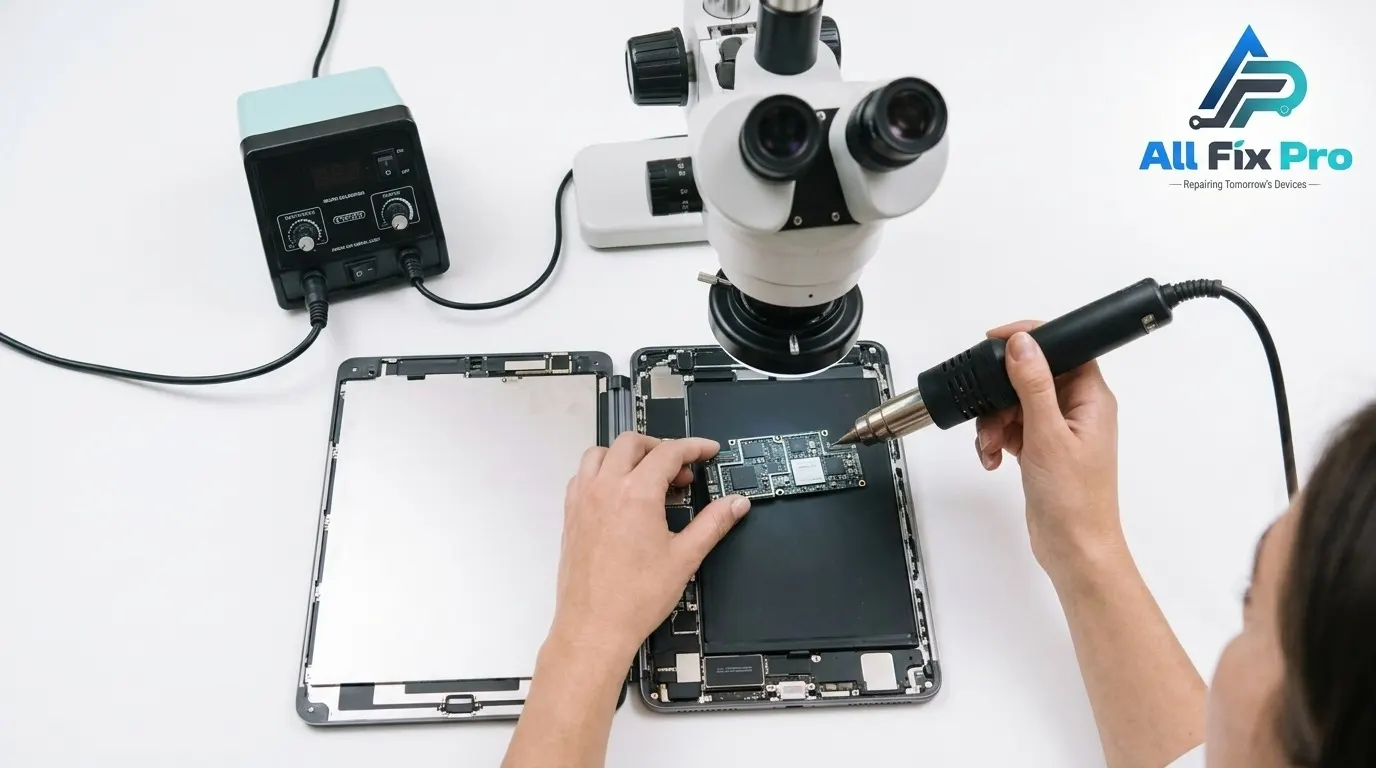
A few days after a screen or battery fix, a notice appears in Settings: Unknown Part. It looks alarming, and many people assume the repair went wrong. Usually it didn’t. Here is what the message means, what it doesn’t mean, and what you can do about it.
What the iPhone Unknown Part Warning Means
The iPhone unknown part warning appears when iOS can’t confirm that a component matches the one registered to your phone. It is informational. Apple isn’t saying the part is unsafe or that the technician made an error. It is saying the part wasn’t installed and configured through Apple’s own system. Depending on your model and iOS version, it can appear for the battery, display or camera.
Why Genuine Apple Parts Matter After iPhone Repair
Apple pairs certain components with each iPhone’s serial number. Genuine Apple parts configured with Apple’s tools are recognized. Third-party parts aren’t, and even genuine parts moved between two phones may not be. So a careful iPhone repair with quality components can still trigger the message. Browse the repairs we handle on our phone repair service page.
iPhone Parts and Service History: Where to Find It
Open Settings, tap General, then About, and scroll to Parts and Service History. It appears on newer iPhones running recent iOS versions and lists replaced parts, marking each as genuine or unknown. Check it right after a repair and keep a screenshot for your records.
Important Battery Message iPhone Owners See
After an iPhone battery replacement with a non-genuine battery, you may see an important battery message in Settings. Battery Health can stop showing maximum capacity. The phone still charges and runs normally, but you lose the health readout. If your battery is bulging rather than just flagged, stop using it and read our swollen phone battery guide.
Remove Unknown Battery Message on iPhone
People search for ways to remove it, but no legitimate switch exists. The reliable fix is a genuine battery installed through Apple or an authorized provider. Be skeptical of any shop that promises to hide the message permanently.
Non-Genuine Display iPhone: What Changes
On a Non-Genuine Display iPhone, you may see the same notice. Touch, calls and apps usually work as normal. True Tone may become unavailable, and brightness or color can differ from the original depending on panel quality.
Should You Worry About the Warning?
For daily use, rarely. The practical effects are lost battery health data, possible loss of True Tone and a visible record in Settings. Buyers may notice that record when you sell, so some resale impact is possible. Apple’s warranty also doesn’t cover damage caused by third-party repairs, though local consumer laws may add protection.
How to Avoid the Warning on Your Next Repair
For a clean record, use Apple or an authorized provider that installs genuine Apple parts and completes configuration. Expect higher prices. With an independent shop, ask which parts it uses and which notice to expect. Our FAQs page answers common repair questions, and you can contact us for specifics on your model.
Frequently Asked Questions
What does “Unknown Part” mean on my iPhone?
It means iOS can’t verify a repaired component against Apple’s records for your phone. It is an informational notice, not an error or a sign of failure.
Where do I find the Parts and Service History on my iPhone?
Go to Settings, General, About, then Parts and Service History. It appears on supported iPhones running recent iOS versions.
Does the unknown part warning mean my repair was done badly?
No. A flawless repair with non-genuine or unconfigured parts still triggers it. The notice reflects part verification, not workmanship.
Does the warning affect how my iPhone works day to day?
Usually not. Calls, apps and charging work normally. Possible effects include missing battery health details or True Tone being unavailable.
Can the warning be removed or hidden?
Not reliably. Replacing the part with a genuine Apple part configured by Apple or an authorized provider is the dependable route.
Why does a screen or battery repair trigger this message?
Certain parts are paired to your iPhone’s serial number. Parts not registered through Apple’s process can’t be verified, so iOS flags them.
Does this warning affect my iPhone’s resale value?
It can. Buyers who check Parts and Service History may see it and negotiate. Keeping repair receipts helps show the work was done properly.
Does the warning affect Apple support or warranty?
Apple’s limited warranty doesn’t cover damage caused by third-party repairs, though Apple may still service the phone for a fee. Check your local consumer rights.
Is the notification different for a battery, display and camera?
Yes. Batteries show an Important Battery Message and hide health data, displays may lose True Tone, and cameras show the unknown part notice.
How can I avoid the warning on my next repair?
Use Apple or an authorized provider with genuine Apple parts, or ask an independent shop exactly which parts it uses and what notice to expect.
Conclusion
The iPhone unknown part warning is a verification notice, not a verdict on your repair. Ask about parts before you book, check Parts and Service History afterward, and choose genuine Apple parts when a clean record matters to you.