
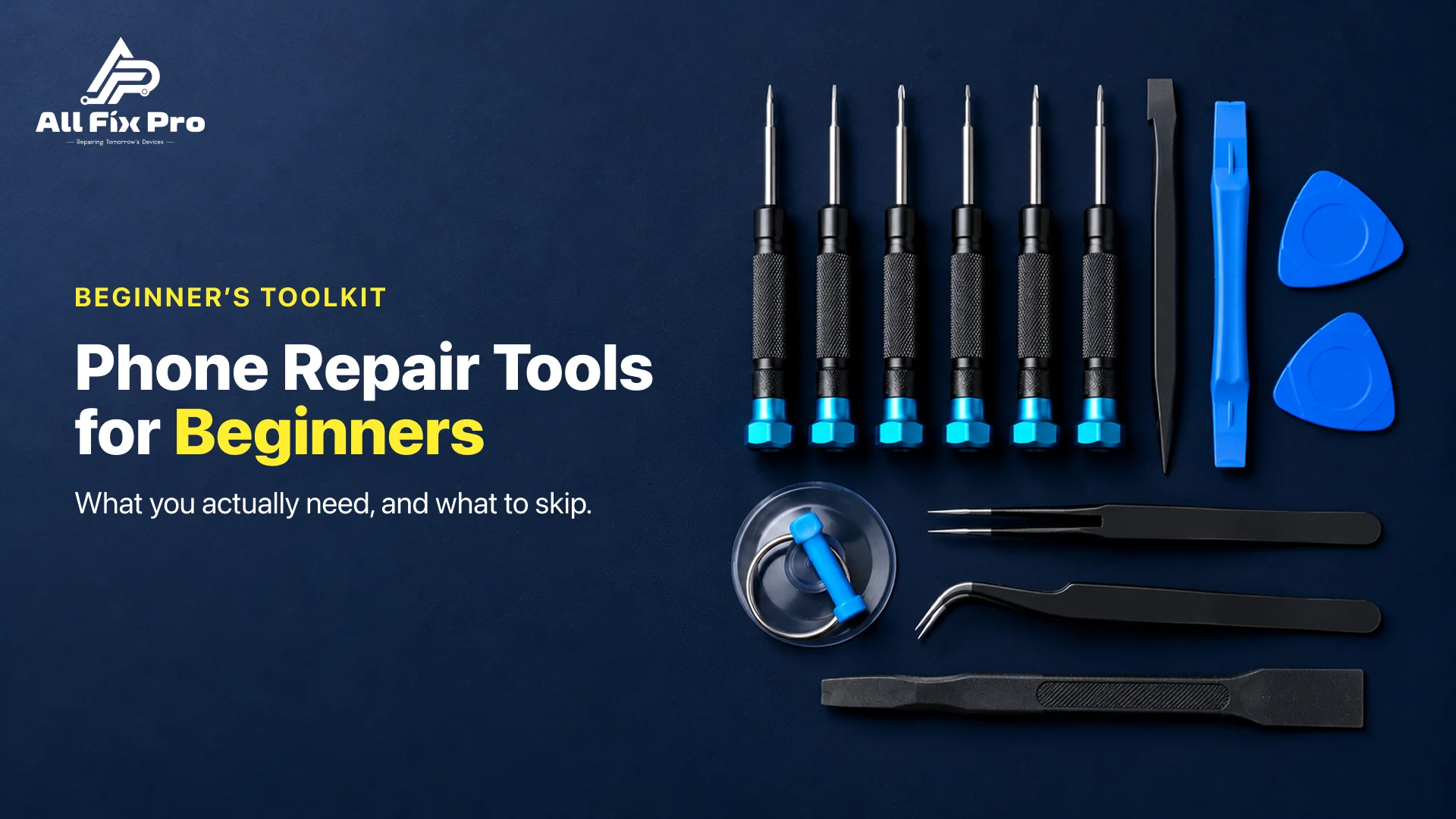
Search for phone repair tools and you’ll get 100-piece kits, hot air stations, microscopes, and a lot of advice written by people selling them. We use these tools every day in our Stockton, CA shop, and a first-timer needs a lot less than those listings suggest. If you’d rather skip the toolbox altogether, our phone repair service handles screens, batteries and charging ports with a free diagnostic. If you’re set on doing it yourself, here’s the short list.
Essential Phone Repair Tools
The essential phone repair tools for a first screen or battery job are fewer than you’d expect:
- A precision screwdriver set with the right bits for your phone (Phillips, Torx, pentalobe for iPhones, tri-point for some others).
- Plastic pry tools and a spudger.
- Fine-tip tweezers.
- A suction cup.
- A gentle heat source.
- A magnetic mat.
- Isopropyl alcohol for cleaning old adhesive.
- Good light, and magnification if your eyes need it.
That’s genuinely most of it. Everything else is a nice-to-have.
The 25 pcs screwdriver cell phone repair tool set
Those cheap 25 pcs screwdriver cell phone repair tool set boxes are fine for a first repair, provided the bits fit your phone. Check for the exact bit you need before ordering. The weak point is bit quality: soft metal strips the tiny screws, and a stripped screw is a bad way to start. If you’re going to spend extra anywhere, it should be on the screwdriver.
Suction cup for phone screen
A suction cup for phone screen work lifts the display once the adhesive is warm. Pull gently to open a small gap, then work a pick in. Yanking is how flex cables tear. If the glass is badly cracked, a layer of clear tape over it helps the cup grip.
Magnetic mat for phone repair
A magnetic mat for phone repair is cheap and worth it. Phone screws differ in length, and mixing them up can pierce the board or crack the frame. Lay the screws out on the mat the way they sit in the phone and you won’t need to remember.
Phone Screen Repair Tools
For phone screen repair tools, the extras beyond the basics are heat, a suction cup, pry picks, and fresh adhesive strips to reseal the new screen. Screen clamps help it set flat, though they’re optional.
On heat: a hairdryer can soften adhesive well enough for many phones. A heat mat gives steadier, safer temperature. A heat gun works, but it’s the easiest way to cook an OLED panel or the battery underneath, so go slowly and keep it moving. If you’re nervous, start with the hairdryer.
Minimum Tools Needed for Phone Repair Technician Work
What’s the minimum tools needed for phone repair technician work, as opposed to a weekend hobby? A pro needs everything above plus board-level gear: a soldering station, a multimeter and a microscope. That’s for fixing logic boards and charging circuits, not for swapping a screen. Don’t buy any of it yet. A beginner can do screens and batteries without touching a soldering iron.
Mobile Repair Tools for Beginners: How Much to Spend
For mobile repair tools for beginners, a basic kit plus a hairdryer-level heat source costs only tens of dollars, which is a fraction of what a shop charges for a screen job. Add isopropyl alcohol and a magnetic mat and you’re set for a first attempt.
Where I’d spend more: a better screwdriver set. Where I wouldn’t: fancy heat stations, vacuum screen separators, ultrasonic cleaners, or the 150-piece set with the same bit repeated six times.
Phone Repair Tools You Don’t Need
Here are the phone repair tools you don’t need while you’re learning:
- Hot air rework station.
- Soldering station.
- Microscope.
- Ultrasonic cleaner.
- Giant kits with duplicate bits.
- Metal pry tools for anything near a battery.
Some of those become useful later. None of them helps with a first screen swap.
Phone Repair Tools Mistakes to Avoid
The phone repair tools mistakes to avoid are mostly boring ones, and they’re the ones that kill phones:
- Using a metal pry tool near the battery or flex cables.
- Putting too much heat on an OLED screen.
- Forcing a screwdriver that doesn’t quite fit and stripping the head.
- Skipping the step where you disconnect the battery first.
- Mixing up screws.
- Sealing the phone before testing the screen, camera, buttons and charging.
That last one burns people. Test everything while the phone is still open.
When to Hand It to a Shop
A first repair on an old, low-value phone is a good way to learn. Newer flagships, sealed or glued phones and anything with a swollen battery are a different story, and you’re better off letting a technician handle those. Our pricing page lists starting rates, and you can book a repair when you’d rather not risk it.
Frequently Asked Questions
What tools do I need to replace a phone screen?
A precision screwdriver set, plastic pry tools, tweezers, a suction cup and a gentle heat source. Add a magnetic mat for the screws and fresh adhesive for the new screen.
Do I need a heat gun for phone repair?
Not really. A hairdryer or heat mat softens adhesive on many phones. A heat gun is faster but easy to overdo, especially on OLED screens.
Heat gun or heat mat: which is safer?
A heat mat, since it holds a steadier temperature. A heat gun works but needs care, because too much heat can damage the screen or battery.
What screwdriver bits does a beginner need?
It depends on the phone. Phillips and Torx are common, iPhones use pentalobe at the bottom, and some Android models use tri-point. Check your model before you buy.
Are cheap repair kits good enough?
For a first attempt, usually. The weak spot is soft screwdriver bits that strip tiny screws, so that’s the piece worth upgrading.
Should I use plastic or metal spudgers?
Plastic is safer around batteries and flex cables. Metal is stronger for scraping adhesive, but keep it away from anything live.
Do I need an anti-static wrist strap?
It helps, though it isn’t essential for a basic repair. At least touch a grounded metal object before you start to discharge static.
Is a magnetic mat necessary?
Not strictly, but it prevents the most common beginner mistake, which is putting a screw in the wrong place.
How much should a beginner spend on tools?
A starter kit and basic heat source costs tens of dollars. Spend extra on the screwdriver set and skip the specialty gear until you actually need it.
Which phone repairs are safe for a beginner to try first?
A screen or battery on an older phone you can afford to lose. Avoid sealed flagships, and never attempt a swollen battery on your own.