
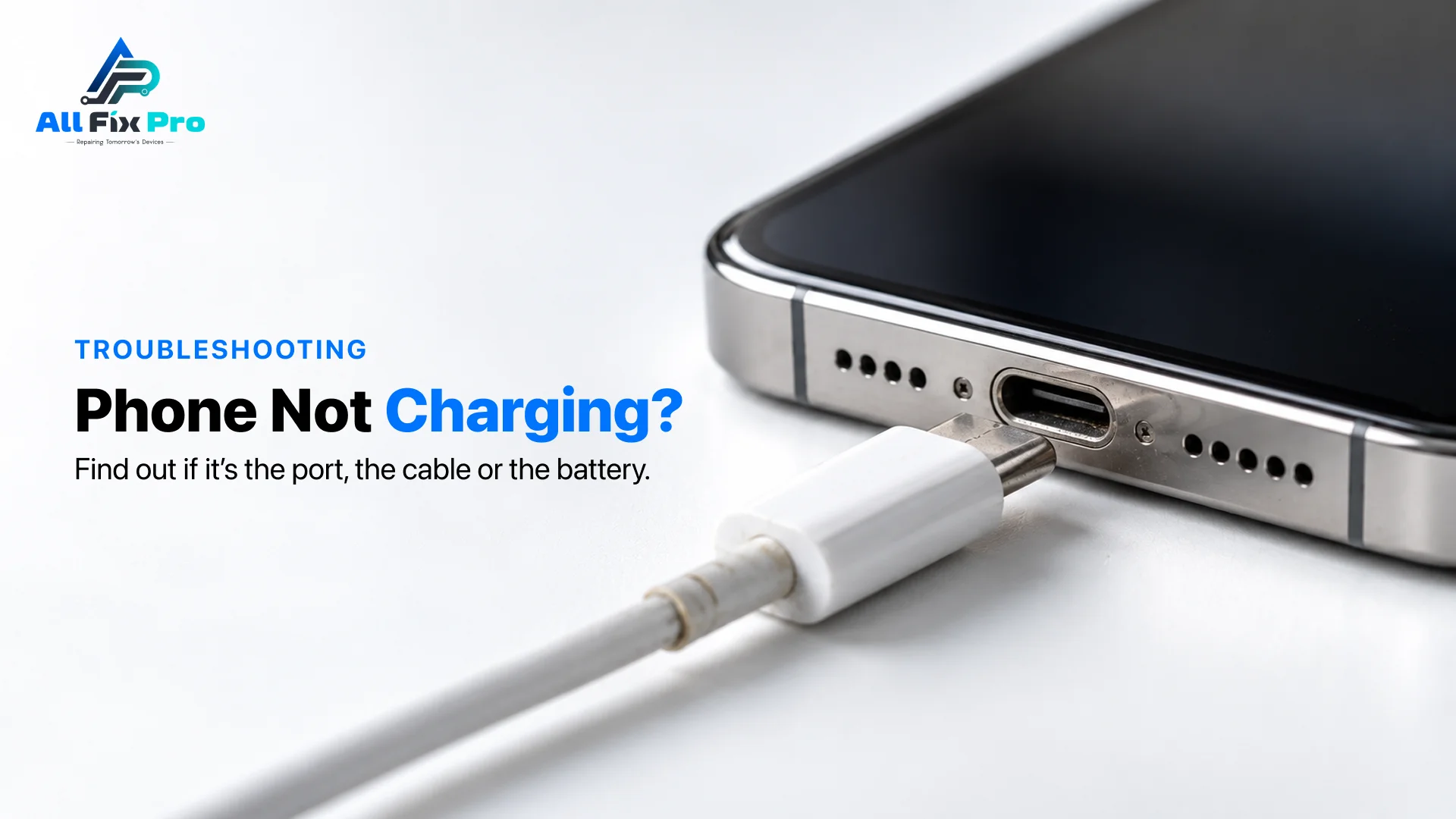
You plug in at night, wake up to 9%, and now you’re wondering whether the phone is dying. If your phone not charging problem showed up out of nowhere, the cause is often something cheap, like a worn cable or a pocketful of lint packed into the port. We see this constantly at our Stockton, CA shop, and the phone repair service we run starts with a free diagnostic, so you don’t pay to find out which part has failed.
The trick is to test in the right order: cable and adapter first, then the port, then the battery. That way you spend nothing until you have to.
Start With the Cable and Adapter
When a phone charger not working is the complaint, the charger itself is the culprit more often than the phone. Cables fray right behind the connector, where you can’t see the damage. Adapters can fail too, or simply be too weak for the phone.
Swap in a cable and adapter you know work, ideally in a different outlet. If that fixes it, replacing the cable is the whole repair. Our shop carries charging cables and wall chargers if you need a replacement.
Phone won’t charge but cable works
This one confuses people. If your phone won’t charge but cable works on another phone, the cable is fine, which points at the adapter, the port, or the battery. Try a second adapter before going further.
Phone Not Charging When Plugged In: What the Symptoms Say
A phone not charging when plugged in can look different depending on the cause, and the symptom narrows it down quickly.
| What you see | Likely cause |
| No charging icon at all | Cable, adapter or port |
| Icon flashes, then stops | Dirty or loose port |
| Charging, but the percentage barely moves | Weak adapter, heavy background use, tired battery |
| Works only if you hold the cable at an angle | Worn or damaged port |
| Very slow charging | Low-wattage adapter or cable |
No table is perfect, mind you. Two causes can overlap, so treat this as a map, not a diagnosis.
Check the Port: Charging Port Lint Removal
Pocket lint is behind a surprising number of charging problems. It gets compressed at the bottom of the port by every plug-in until the cable can’t seat all the way.
Here’s how to do charging port lint removal safely. Power the phone off first. Shine a flashlight in and look for a grey felt-like plug. Use compressed air, or gently scrape with a wooden or plastic toothpick. Skip anything metal, because it can short the contacts, and skip liquids altogether.
Signs of a charging port problem
A real phone charging port problem tends to show up as a loose cable that wobbles, charging that works only at a certain angle, or bent pins you can see with a light. Cleaning won’t fix those.
Fixing a charging port
If the port itself is worn or damaged, fixing a charging port means replacing it, and it’s usually a quick job. At AllFixPro, charging port repair starts from $69 and includes port cleaning. Check the pricing page for current rates.
Wireless vs Wired Charging Test
If your phone supports wireless charging, the wireless vs wired charging test is a handy shortcut. When wireless works but the cable doesn’t, the cable or port is the problem. If neither works, look at the battery or the phone’s internal charging circuit instead.
When the Battery Is the Problem
Batteries wear out, usually after a couple of years of daily charging. Watch for fast drain, random shutdowns at 30 or 40%, a phone that gets hot while charging, or charging that’s slow with every cable you try.
If the back cover is lifting or the screen is bulging, stop charging immediately. A swollen battery is a safety issue, not an inconvenience. Battery replacement at our shop starts from $49 and is usually about an hour’s work.
Phone Not Charging After Update
Occasionally a phone not charging after update is only a software hiccup. Restart the phone, check for a follow-up update, and look at the battery settings, since some phones now pause charging at 80% on purpose. If none of that helps, the update probably isn’t to blame. It’s likely a coincidence with a worn port or battery.
Phone Charging Troubleshooting: The Short Order
If you want the phone charging troubleshooting version in one place:
- Try a different cable and adapter in a different outlet.
- Restart the phone.
- Inspect the port with a flashlight and clean out any lint.
- Try wireless charging, if the phone supports it.
- Check battery health and look for swelling.
- If it still won’t charge, bring it in.
We’ll diagnose it for free, tell you what’s wrong and what it costs, and you only pay if you go ahead. You can book a repair online or walk in.
Frequently Asked Questions
Why is my phone not charging when plugged in?
Most often it’s a worn cable, a weak adapter, lint in the port, or a software glitch. A failed port or battery is less common. Check the cheap stuff first.
How do I know if it’s the port, cable or battery?
Swap the cable and adapter first. Then clean and inspect the port. Then try wireless charging if you have it. If everything else checks out, the battery is the suspect.
How do I clean a charging port safely?
Power off, look inside with a flashlight, and use compressed air or a wooden or plastic toothpick. No metal, no water. Go slowly, the contacts are fragile.
Phone not charging but the cable works on another device?
Then the cable is probably fine. Look at the adapter, the port and the battery, in that order. A different adapter is the quickest test.
Wireless charging works but wired doesn’t. What does that mean?
It points to the cable or the charging port, because the battery and charging circuit clearly work. Try a different cable, then get the port inspected.
Why is my phone charging so slowly?
A lower-wattage adapter than the phone supports is the usual reason. A cable that can’t carry fast charging, heat and heavy use while plugged in do it too.
Why does it show “charging” but the percentage doesn’t rise?
The phone is using as much power as it takes in. Weak adapter, damaged cable, dirty port or background apps can all do that. A worn battery is another option.
Can overheating stop my phone from charging?
Yes. Phones slow or pause charging when hot to protect the battery. Take the case off, let it cool, and try again somewhere cooler.
How do I know if the battery is the problem?
Look for fast drain, random shutdowns, overheating, swelling, or slow charging with every cable. Several of those together usually point to the battery.
When should I take it to a repair shop?
When the basic tests don’t fix it, or when you notice heat, physical damage or a swollen battery. We’ll check it for free and give you a firm quote.